Visit FieldHub at ISC West — Booth 31093
Schedule a 1:1features
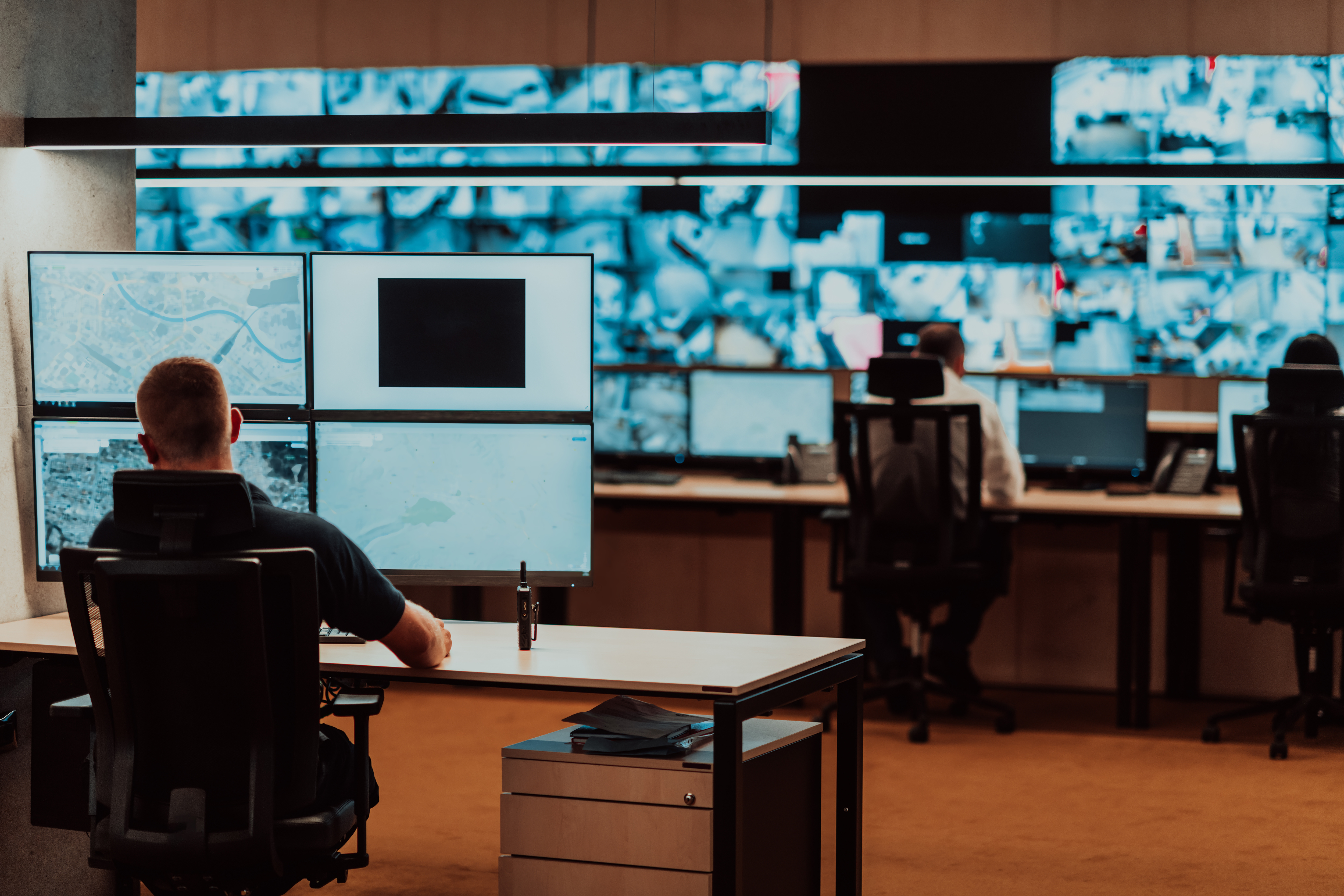
The conditions of Spring 2020 have more of us working from home than the office. As we all face these new challenges, I wanted to share guidance to ease one part of that transition: best practices in the area of remote IP device configuration.
Urban Alarm - the security integrator business I started in 2008 and sold in 2017 - was built from the ground up, using distributed teams. In addition to accounting and HR functions being performed largely remotely, most of our system configuration was done overnight, using remote teams.
I am sharing this diagram on how we set up our remote configuration “bench” where office warehouse or technical staff would set up IP devices (e.g., servers, cameras, panels, etc) to be configured remotely.
Under the current circumstances during which social distancing is required, this set up has new value: to address team safety and health by minimizing the number of team members needed in the office. Senior engineers may work from home to manage both company and customer systems remotely, but also to pre-configure devices and thereby minimize hours in the office and on customer job sites.
The elements of this set up include:
The most advanced skill required to set up this configuration is configuring the “port based VLAN” on your network switch. This will be specific to your network switch, make, and model - but can be easily searched for. This example of for a Cisco 300 switch.
If we can be of assistance during this time of uncertainty – both to customers and non-customers – please let us know. We are more than ready to discuss this set up with your team, and share our other experiences in setting up and managing distributed teams in a security installer and integration business.
Wishing you and your loved ones the best,\
Miles Fawcett, CEO FieldHub
Cover Photo by Jacky Chiu on Unsplash

Bring Zoom call activity into your operational workflow.
Calls and virtual conversations play an important role in how field service and security integration teams coordinate work. But when those conversations stay inside Zoom, critical context can be lost once the call ends.
FieldHub’s Zoom integration connects call activity directly to FieldHub, making it easier to reference conversations, maintain accurate customer records, and keep teams aligned—without adding manual steps.
Bring call activity into your field service and security operations.
Phone calls are still central to how field service and security integration teams work. But when calls live only inside a phone system, important context is often lost—especially during handoffs, follow-ups, and scheduling changes.
FieldHub’s RingCentral integration connects phone communication directly to FieldHub, so call activity is visible alongside the customer records and workflows your team already uses.
FieldHub, the all-in-one, cloud platform for security and field service businesses, and Rapid Response Monitoring, the industry’s leading provider of professional In-Facility Monitoring, are pleased to announce a new integration that streamlines the creation and ongoing management of monitored subscriber accounts—right from within FieldHub. The integration helps dealers reduce double entry, accelerate job closeouts, and keep service quality tight across the full lead-to-invoice lifecycle.
With FieldHub’s Systems Management capabilities, dealers can perform central-station actions without leaving the platform—including creating central station accounts from account/site details, placing systems on and off test, and activating/deactivating systems—so field operations, billing, and account records stay in sync.