Visit FieldHub at ISC West — Booth 31093
Schedule a 1:1features
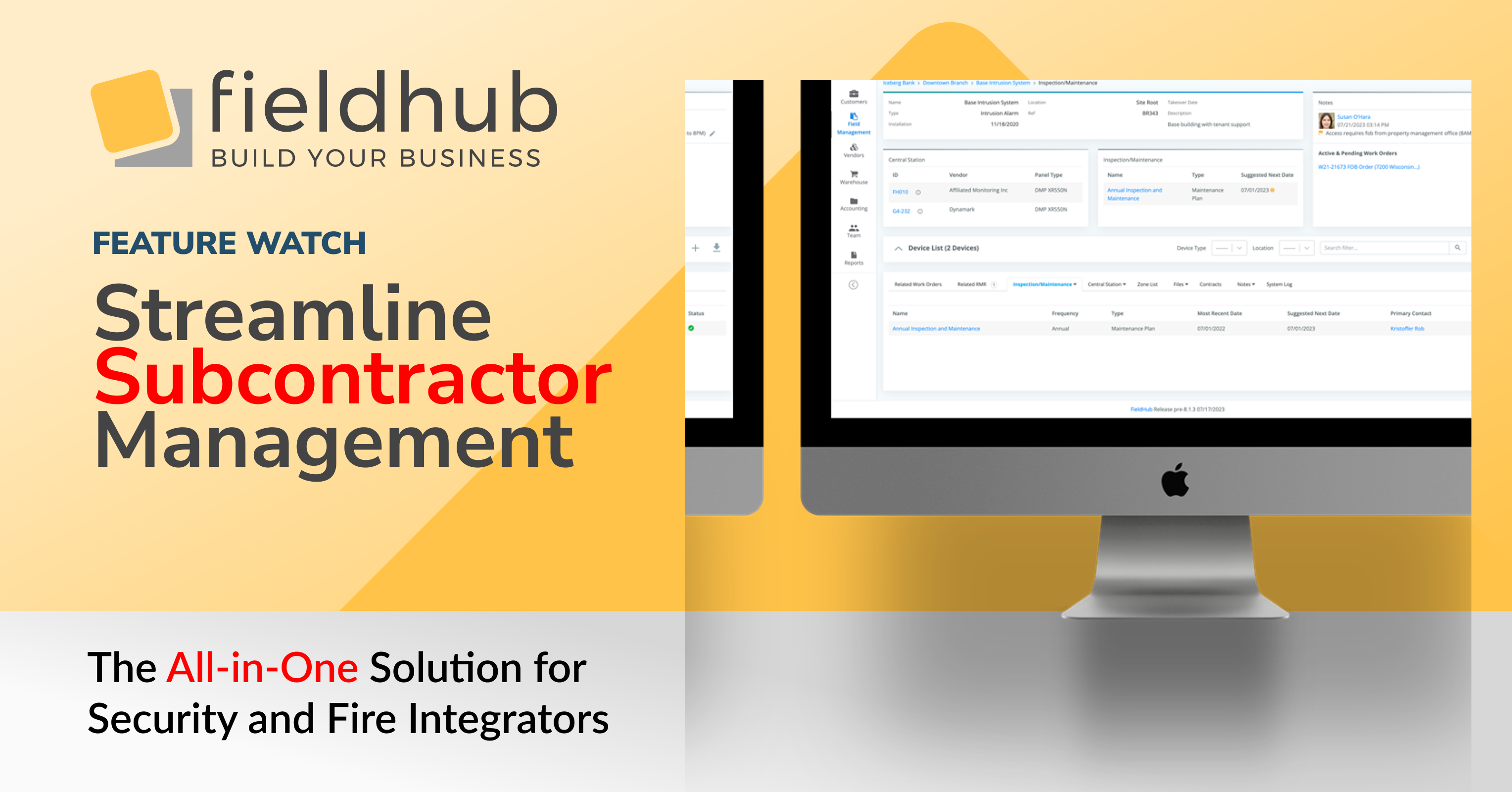
FieldHub has introduced a comprehensive feature suite designed to simplify the management of subcontractors for customer work orders. This new functionality allows you to efficiently set up subcontractors as vendors and assign them to specific systems and work orders, enhancing your project management capabilities.
Subcontractor Setup: Easily create subcontractor profiles by designating vendors with a “Subcontractor” checkbox. This allows for streamlined tracking and management of subcontractors within your vendor list.
System and Work Order Assignment: Assign subcontractors at both the system type level and individual customer system level. This flexibility ensures that you can tailor subcontractor assignments based on specific project requirements or geographic proximity.
Work Order Management: When creating or editing work orders, a new dropdown list allows you to select from your pool of subcontractors. This list can be filtered based on system type or specific customer systems, providing a targeted selection process.
Communication Tools: FieldHub enables you to send a PDF summary of work orders, known as a “Field Ticket,” directly to subcontractors. This feature ensures that all parties are informed and have access to the necessary details for the completion of the work order.
Customizable Email Templates: The email functionality includes customizable message templates, allowing you to tailor communication to fit your business needs. You can include additional messages in the email, ensuring clear and concise communication with your subcontractors.
This feature suite is designed to enhance your operational efficiency by providing a structured approach to subcontractor management. By using FieldHub, you can ensure that your projects are executed smoothly, with the right subcontractors assigned to the right tasks, and all stakeholders kept informed throughout the process.

Bring Zoom call activity into your operational workflow.
Calls and virtual conversations play an important role in how field service and security integration teams coordinate work. But when those conversations stay inside Zoom, critical context can be lost once the call ends.
FieldHub’s Zoom integration connects call activity directly to FieldHub, making it easier to reference conversations, maintain accurate customer records, and keep teams aligned—without adding manual steps.
Bring call activity into your field service and security operations.
Phone calls are still central to how field service and security integration teams work. But when calls live only inside a phone system, important context is often lost—especially during handoffs, follow-ups, and scheduling changes.
FieldHub’s RingCentral integration connects phone communication directly to FieldHub, so call activity is visible alongside the customer records and workflows your team already uses.
FieldHub, the all-in-one, cloud platform for security and field service businesses, and Rapid Response Monitoring, the industry’s leading provider of professional In-Facility Monitoring, are pleased to announce a new integration that streamlines the creation and ongoing management of monitored subscriber accounts—right from within FieldHub. The integration helps dealers reduce double entry, accelerate job closeouts, and keep service quality tight across the full lead-to-invoice lifecycle.
With FieldHub’s Systems Management capabilities, dealers can perform central-station actions without leaving the platform—including creating central station accounts from account/site details, placing systems on and off test, and activating/deactivating systems—so field operations, billing, and account records stay in sync.