features
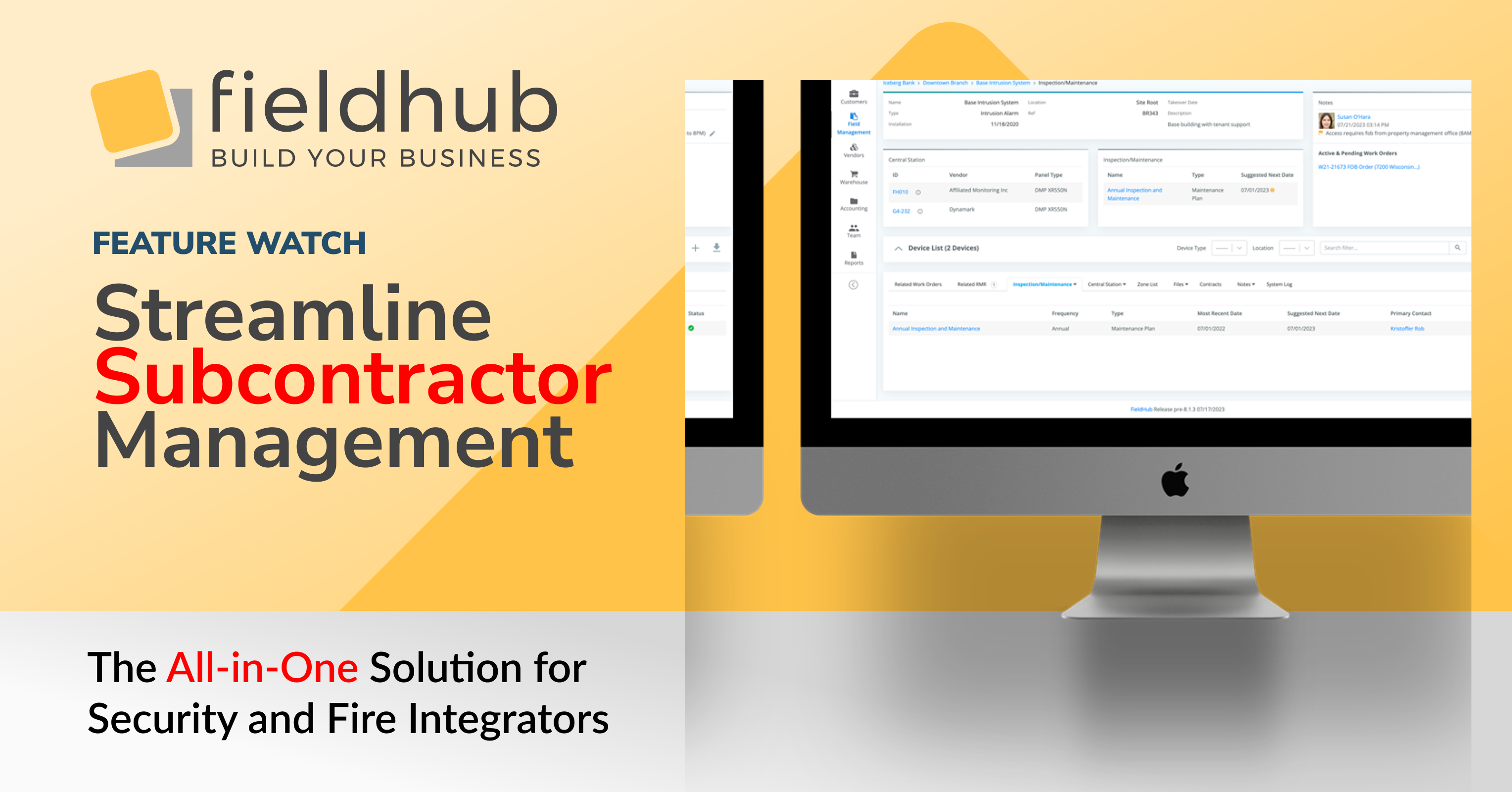
FieldHub has introduced a comprehensive feature suite designed to simplify the management of subcontractors for customer work orders. This new functionality allows you to efficiently set up subcontractors as vendors and assign them to specific systems and work orders, enhancing your project management capabilities.
Subcontractor Setup: Easily create subcontractor profiles by designating vendors with a “Subcontractor” checkbox. This allows for streamlined tracking and management of subcontractors within your vendor list.
System and Work Order Assignment: Assign subcontractors at both the system type level and individual customer system level. This flexibility ensures that you can tailor subcontractor assignments based on specific project requirements or geographic proximity.
Work Order Management: When creating or editing work orders, a new dropdown list allows you to select from your pool of subcontractors. This list can be filtered based on system type or specific customer systems, providing a targeted selection process.
Communication Tools: FieldHub enables you to send a PDF summary of work orders, known as a “Field Ticket,” directly to subcontractors. This feature ensures that all parties are informed and have access to the necessary details for the completion of the work order.
Customizable Email Templates: The email functionality includes customizable message templates, allowing you to tailor communication to fit your business needs. You can include additional messages in the email, ensuring clear and concise communication with your subcontractors.
This feature suite is designed to enhance your operational efficiency by providing a structured approach to subcontractor management. By using FieldHub, you can ensure that your projects are executed smoothly, with the right subcontractors assigned to the right tasks, and all stakeholders kept informed throughout the process.
FieldHub MCP server · Limited release · Version 10.2.15
You can now ask FieldHub questions in plain language and get answers computed from your live data.
Connect Claude to your FieldHub account through a standard OAuth sign-in. No API keys, no configuration. Then ask.
MCP — Model Context Protocol — is an open standard for connecting AI assistants to systems. We built and tested against Claude first, including claude.ai connectors, Claude Code, and Claude Desktop. ChatGPT connectors are verified, and any MCP-compatible client can connect.
FieldHub, the all-in-one cloud platform for security, fire, and low-voltage integrators, is pleased to announce a new integration with fireNspec, the inspection management platform built for fire and life safety companies. The integration links inspection work to the rest of the business, so a customer or site entered in one system no longer has to be entered again in the other.
Most integrators run inspections and the business itself on different tools. The account lives in one place, the inspection lives in another, and staff spend time keying the same details into both and checking two systems to answer one question.
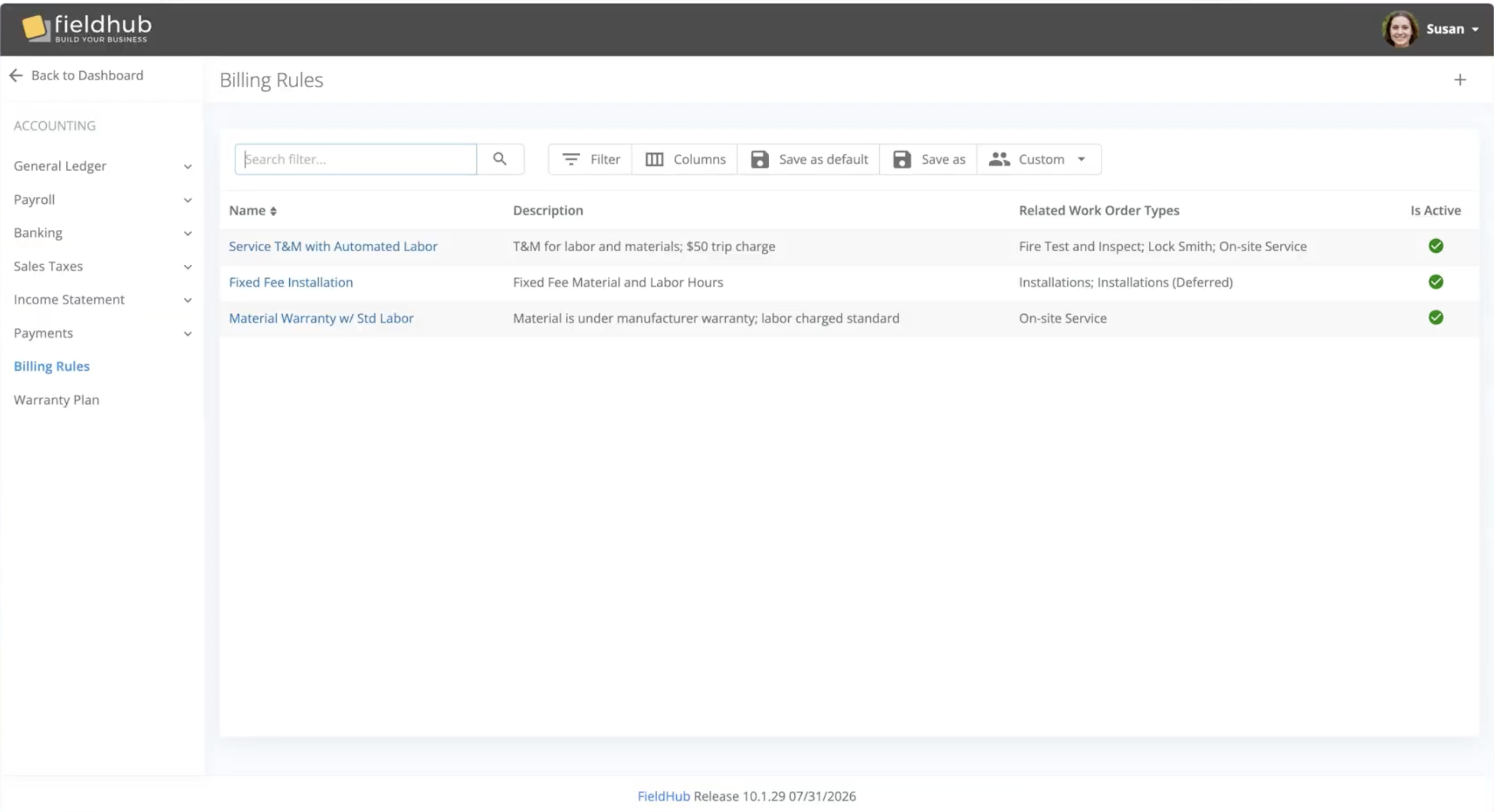
FieldHub has introduced Billing Rules, a new configuration engine that automates how labor, materials, and miscellaneous charges are priced and added to work order scope. Instead of a technician’s hours sitting as a gap to be filled in manually after every visit, Billing Rules writes the correct line — at the correct rate — into the work order the moment a work log is ready for invoicing.
Most platforms handle service pricing with static price books or a “service level” tag sitting off to the side of operations—a label that must still be manually translated into scope, line by line, by someone in the office.